
Platform
Nayancode Workbench
Nine analysis studios. One private workspace in your browser.
The complete suite: sequence, genome, variant, expression, single-cell, microbiome, chemistry, structure and phylogenetics studios.
Free · runs in your browser · nothing uploaded
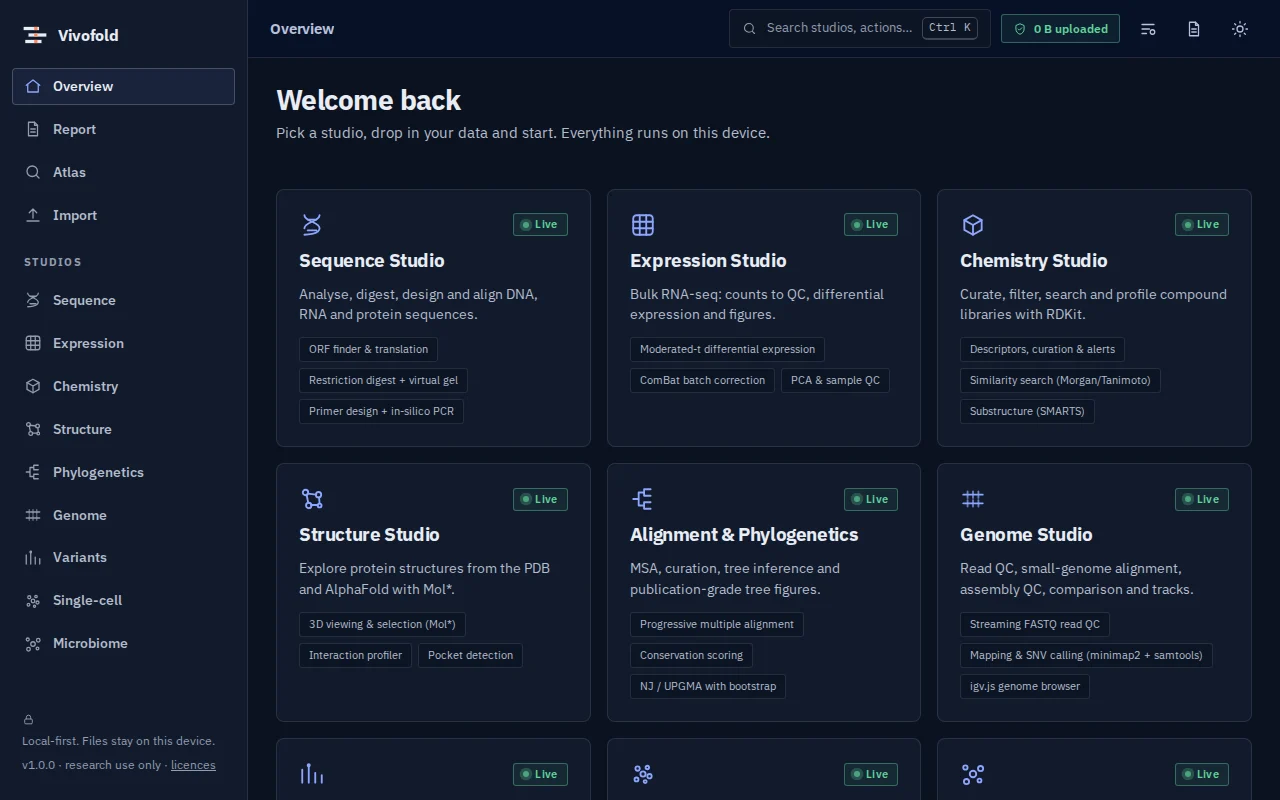
Overview
What Workbench does
Nayancode Workbench brings nine analysis studios together in one workspace that runs entirely in your web browser. Files are analysed on your own computer with Web Workers and WebAssembly, so unpublished or confidential data never leave your device.
Every analysis records its tool, version, parameters and input checksum and writes a methods paragraph with citations. Figures can be collected into a report and exported with the methods, so results stay reproducible from the first click.
Technical specifications
- Inputs
- FASTA, FASTQ, BED/GFF · VCF and GWAS summary statistics · Count matrices and sample sheets · SMILES and compound tables · PDB/mmCIF, PDB and UniProt IDs · Newick trees, feature tables
- Outputs
- Interactive figures (PNG/SVG export) · Result tables (CSV) · Auto-written methods with citations · HTML/PDF reports
- Engine
- TypeScript kernels in Web Workers, WebAssembly (minimap2, samtools, RDKit), Mol*, igv.js
- Platforms
- Chrome, Edge, Firefox and Safari (current versions) · Windows, macOS, Linux and ChromeOS · No installation, no account, no upload
- Limits
- Designed for browser-scale data (for example, mapping up to about a 100 Mb reference). Larger jobs belong on a cluster or cloud pipeline; results can then be imported.
- Licence
- Free during the public preview; institutional licences on request
Features
Capabilities
Private by design
Computation happens in your browser. A live network meter shows exactly how many bytes have been sent anywhere.
Methods that write themselves
Each analysis records parameters and versions and produces a citable methods paragraph.
Studios that hand off to each other
Pass a genome region to the variant studio, or a gene to the structure studio, without exporting files.
Validated against known answers
Every studio ships synthetic demo data and, wherever possible, checks its own answer against the planted truth.
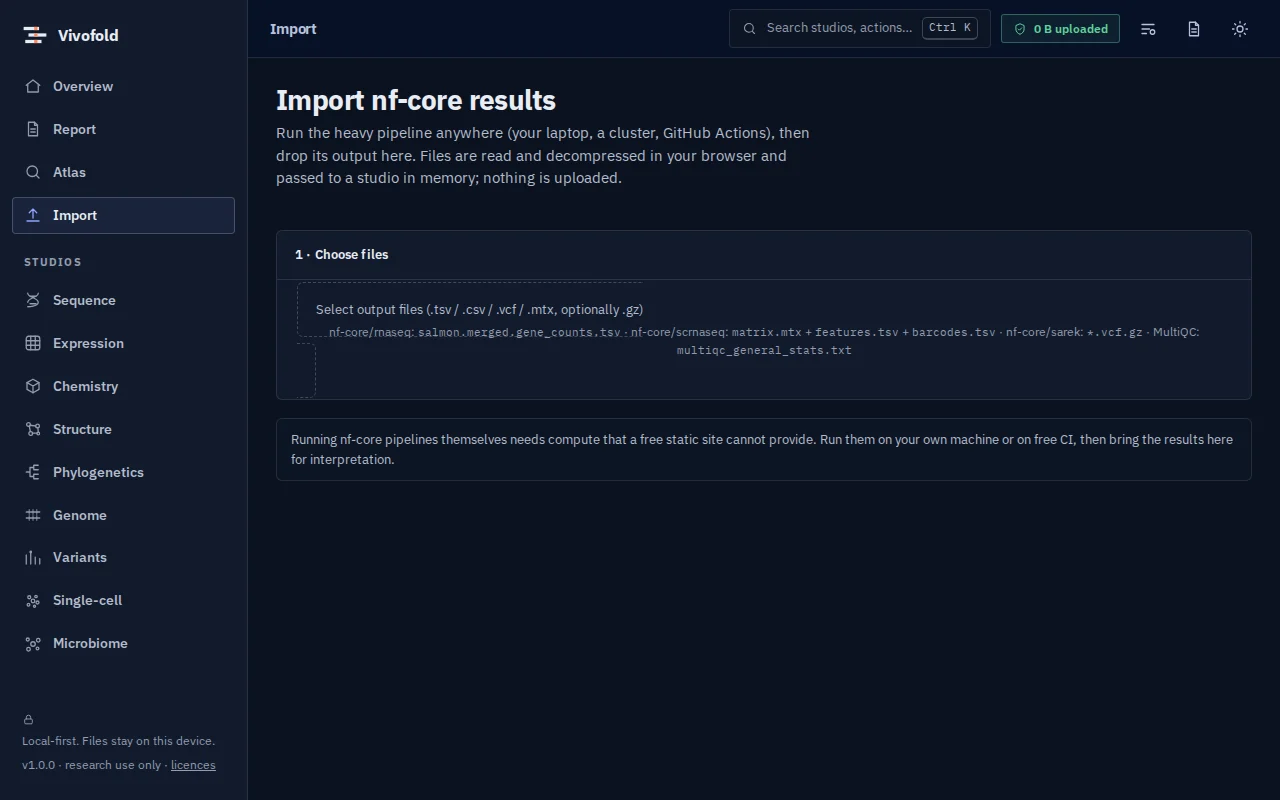
nf-core import
Run heavy pipelines elsewhere, then drop the results in: counts, single-cell matrices, VCFs and MultiQC statistics.
Report builder
Collect figures from any studio and export one self-contained HTML or PDF report with methods and provenance.
Use cases
Who uses it, and for what
- Teaching hands-on bioinformatics without installing software
- Exploring confidential data before it can be shared
- Quick analyses between pipeline runs
- Preparing publication figures with recorded methods
Documentation
Quick start
Open Workbench
Use the button on this page or the Workbench menu. Nothing to install; works in current Chrome, Edge, Firefox and Safari.
Load data or the demo
Drop in your files (FASTA, FASTQ, BED/GFF, VCF and GWAS summary statistics, Count matrices and sample sheets) or load the labelled synthetic demo to explore safely.
Run and inspect
Results appear as interactive figures and tables; each analysis records its parameters and versions.
Export and cite
Export figures and tables, add them to a report, and copy the auto-written methods paragraph.
Learn the methods with Vedicgen
Courses that use Workbench
Talk to us
Request a demo or ask a question
For classroom use, self-hosted deployments, custom studios or support. We reply within two working days.
Public preview: Free
Academic & teaching: Free for classrooms
Institutional & enterprise: On request
More from Nayancode
Related products
Software support: [email protected]