Chemistry & structure
Nayancode Chemistry Studio
RDKit in your browser, with QSAR you can defend.
Compound curation, descriptors, similarity and substructure search, chemical space, Butina clustering and a validated QSAR lab.
Free · runs in your browser · nothing uploaded
Overview
What Chemistry Studio does
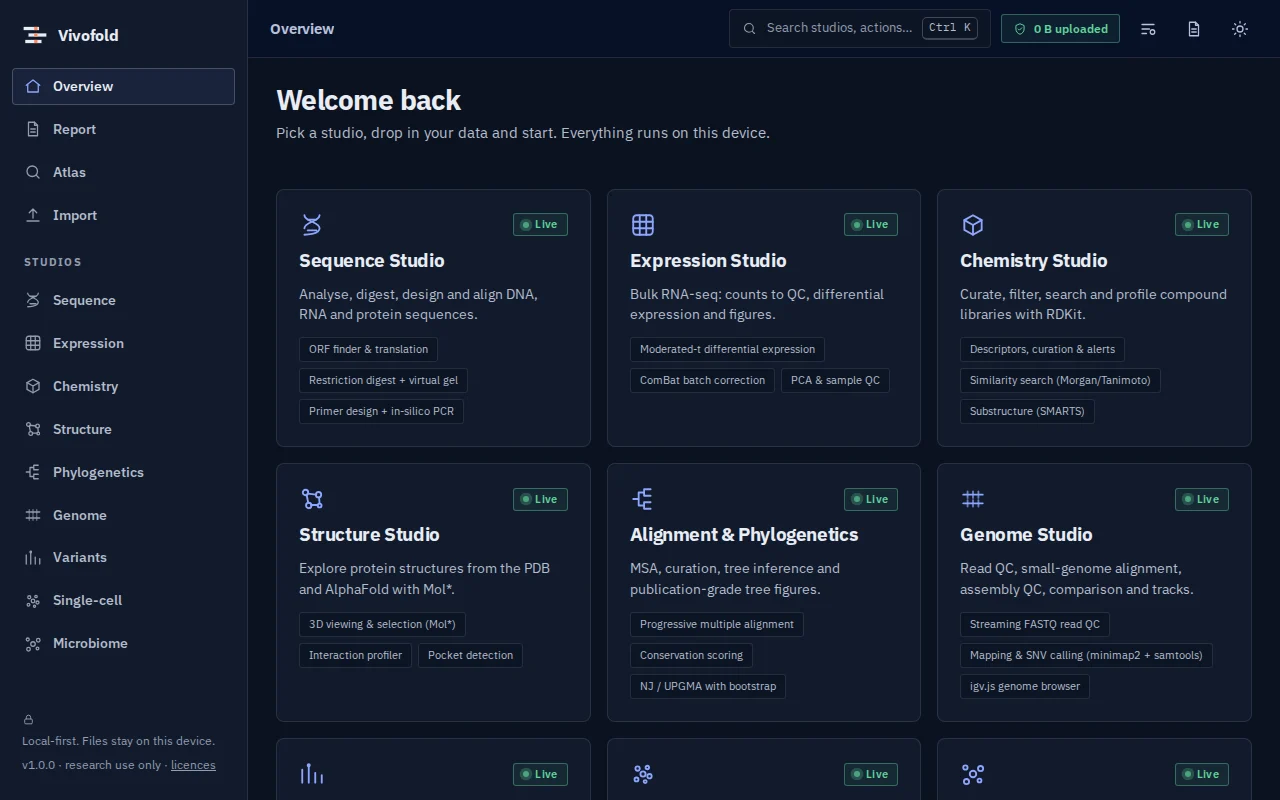
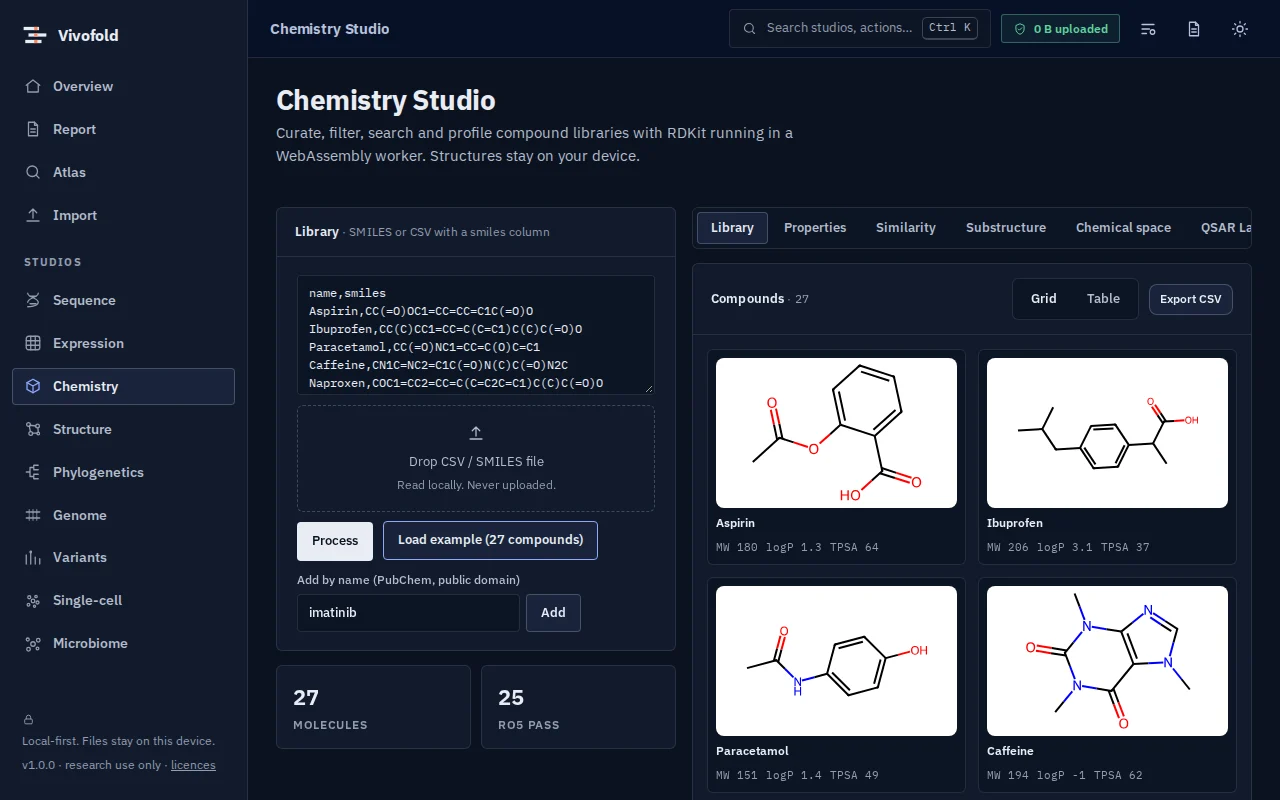
Chemistry Studio runs RDKit compiled to WebAssembly: curate and standardise compound lists, compute descriptors and structural alerts, search by similarity and SMARTS, and map chemical space with Butina clusters.
Its QSAR Lab trains random-forest, k-nearest-neighbour and ridge models with cluster-based cross-validation, Y-randomisation and an applicability domain, then writes a model card. Compounds can be imported from PubChem and ChEMBL.
Technical specifications
- Inputs
- SMILES · CSV with SMILES column · PubChem / ChEMBL import
- Outputs
- Curated compound tables · Similarity hits · Cluster assignments · QSAR predictions and model card
- Engine
- RDKit (WebAssembly) in a worker
- Platforms
- Chrome, Edge, Firefox and Safari (current versions) · Windows, macOS, Linux and ChromeOS · No installation, no account, no upload
- Limits
- Interactive library sizes; models are validated by cluster CV and Y-randomisation
- Licence
- Free during the public preview; institutional licences on request
Features
Capabilities
Curation and descriptors
Standardisation, physicochemical descriptors and structural alerts.
Similarity and substructure
Morgan fingerprints with Tanimoto similarity; SMARTS search.
Chemical space
Projections with Butina clustering to see diversity and series.
QSAR Lab
RF, kNN and ridge models with cluster CV, Y-randomisation, applicability domain and a model card.
Data import
Retrieve compounds and activities from PubChem and ChEMBL.
Use cases
Who uses it, and for what
- Triaging a compound library
- Building a first QSAR model properly
- Teaching cheminformatics without installation
Documentation
Quick start
Open Chemistry Studio
Use the button on this page or the Workbench menu. Nothing to install; works in current Chrome, Edge, Firefox and Safari.
Load data or the demo
Drop in your files (SMILES, CSV with SMILES column, PubChem / ChEMBL import) or load the labelled synthetic demo to explore safely.
Run and inspect
Results appear as interactive figures and tables; each analysis records its parameters and versions.
Export and cite
Export figures and tables, add them to a report, and copy the auto-written methods paragraph.
Learn the methods with Vedicgen
Courses that use Chemistry Studio
Talk to us
Request a demo or ask a question
For classroom use, self-hosted deployments, custom studios or support. We reply within two working days.
Public preview: Free
Academic & teaching: Free for classrooms
Institutional & enterprise: On request