
Platform
Nayancode Pipeline Import
Run the pipeline anywhere. Explore the results here.
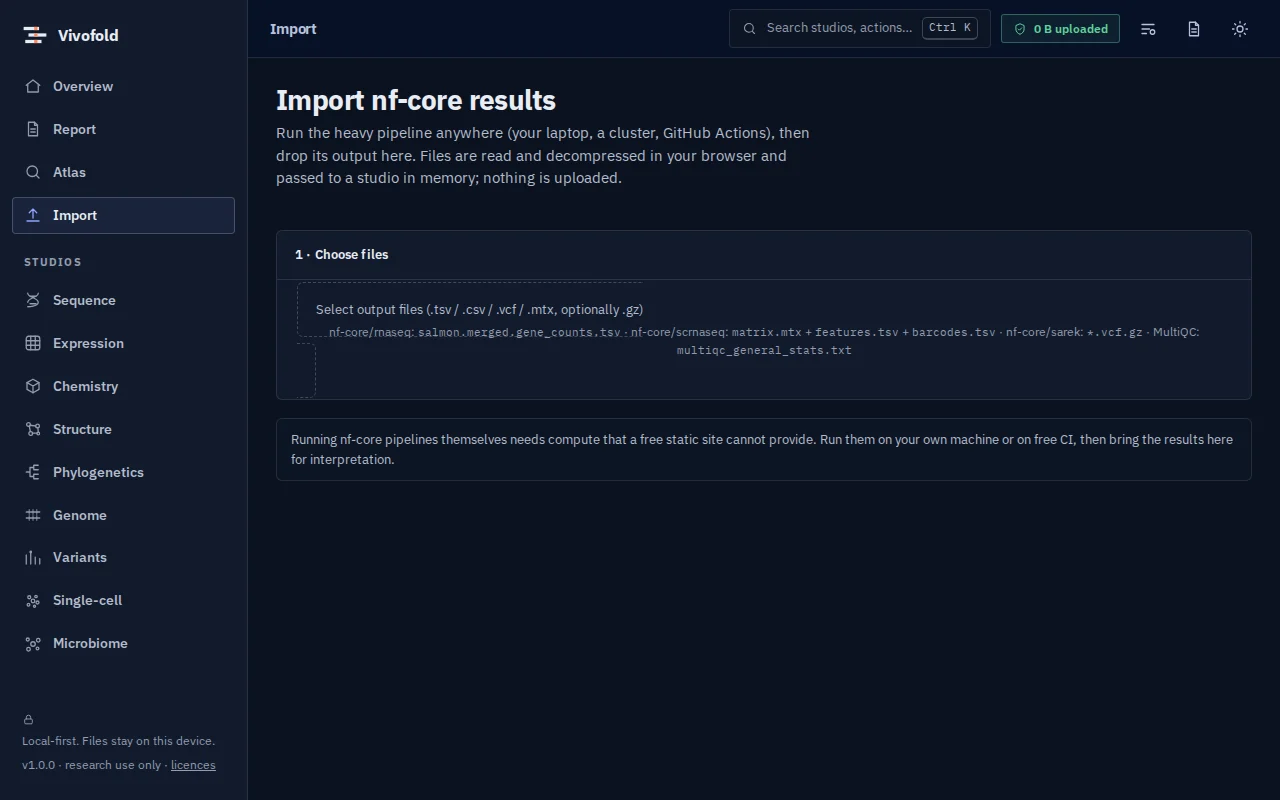
Drop in nf-core outputs (rnaseq counts, scrnaseq matrices, sarek VCFs, MultiQC statistics) and hand them to the right studio.
Free · runs in your browser · nothing uploaded
Overview
What Pipeline Import does
Pipeline Import connects heavy pipelines with interactive exploration. Run nf-core pipelines on a laptop, a cluster or the cloud, then drop the output folder into your browser: merged RNA-seq counts, 10x matrices, sarek VCFs and MultiQC statistics are recognised, decompressed locally and passed to the matching studio.
Nothing is uploaded; gzip files are read in the browser.
Technical specifications
- Inputs
- nf-core output files
- Outputs
- Data loaded in Expression, Single-cell or Variant Studio
- Engine
- Browser file APIs and streaming decompression
- Platforms
- Chrome, Edge, Firefox and Safari (current versions) · Windows, macOS, Linux and ChromeOS · No installation, no account, no upload
- Limits
- Supports the nf-core output formats listed; others can be loaded directly in each studio.
- Licence
- Free during the public preview; institutional licences on request
Features
Capabilities
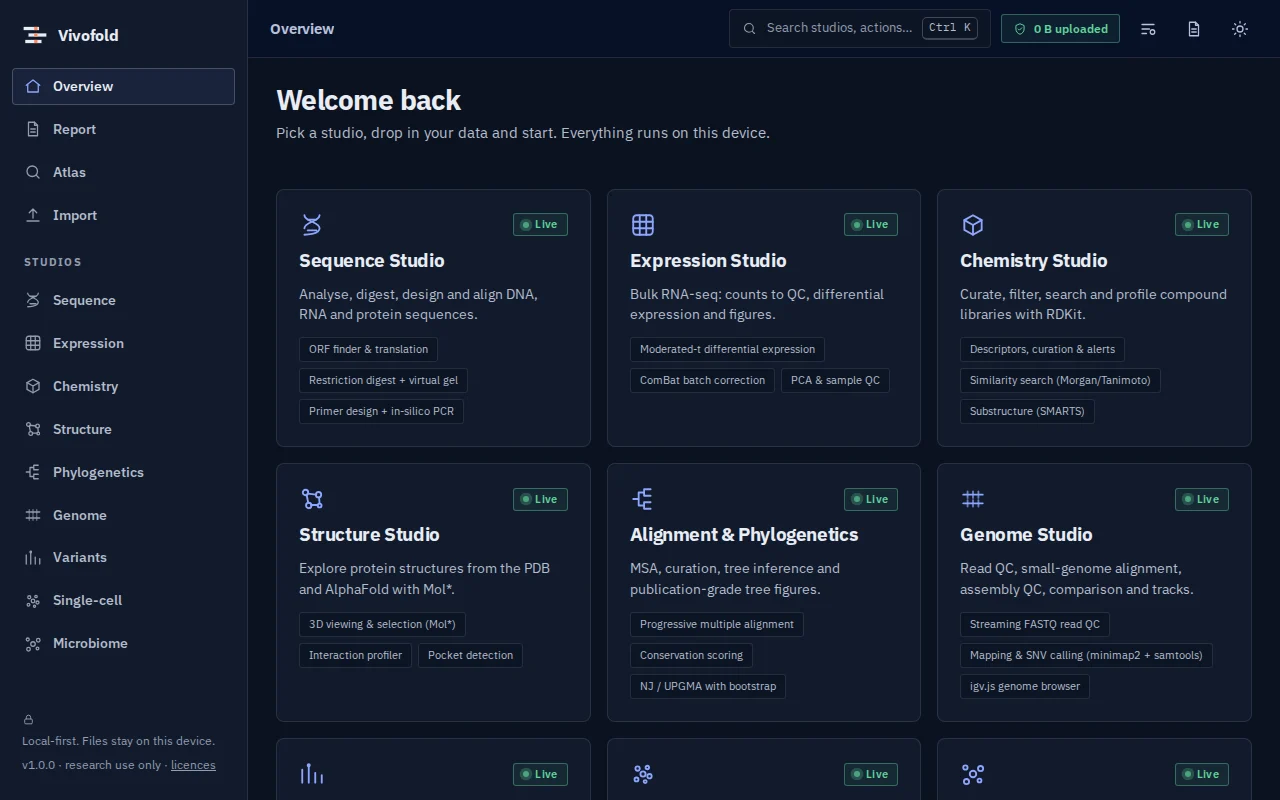
Recognises nf-core outputs
rnaseq, scrnaseq, sarek and MultiQC.
Local decompression
Reads .gz files in the browser.
Hand-off to studios
Opens the data in the right studio, in memory.
Use cases
Who uses it, and for what
- Exploring pipeline results without R or Python
- Sharing an analysis workflow with collaborators
- Teaching with real pipeline output
Documentation
Quick start
Open Pipeline Import
Use the button on this page or the Workbench menu. Nothing to install; works in current Chrome, Edge, Firefox and Safari.
Load data or the demo
Drop in your files (nf-core output files) or load the labelled synthetic demo to explore safely.
Run and inspect
Results appear as interactive figures and tables; each analysis records its parameters and versions.
Export and cite
Export figures and tables, add them to a report, and copy the auto-written methods paragraph.
Learn the methods with Vedicgen
Courses that use Pipeline Import
Talk to us
Request a demo or ask a question
For classroom use, self-hosted deployments, custom studios or support. We reply within two working days.
Public preview: Free
Academic & teaching: Free for classrooms
Institutional & enterprise: On request
More from Nayancode
Related products
Software support: [email protected]