Knowledge & reporting
Nayancode Report Builder
Figures, methods and provenance in one exportable report.
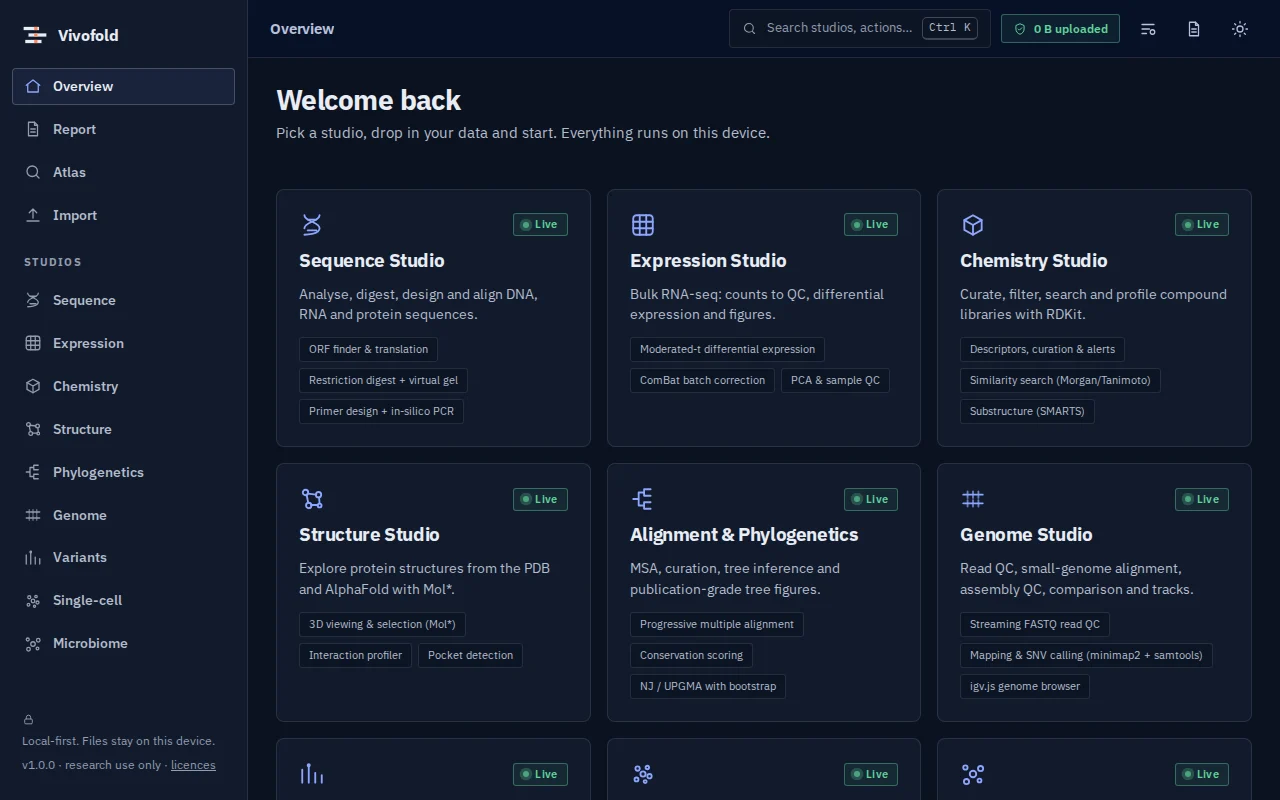
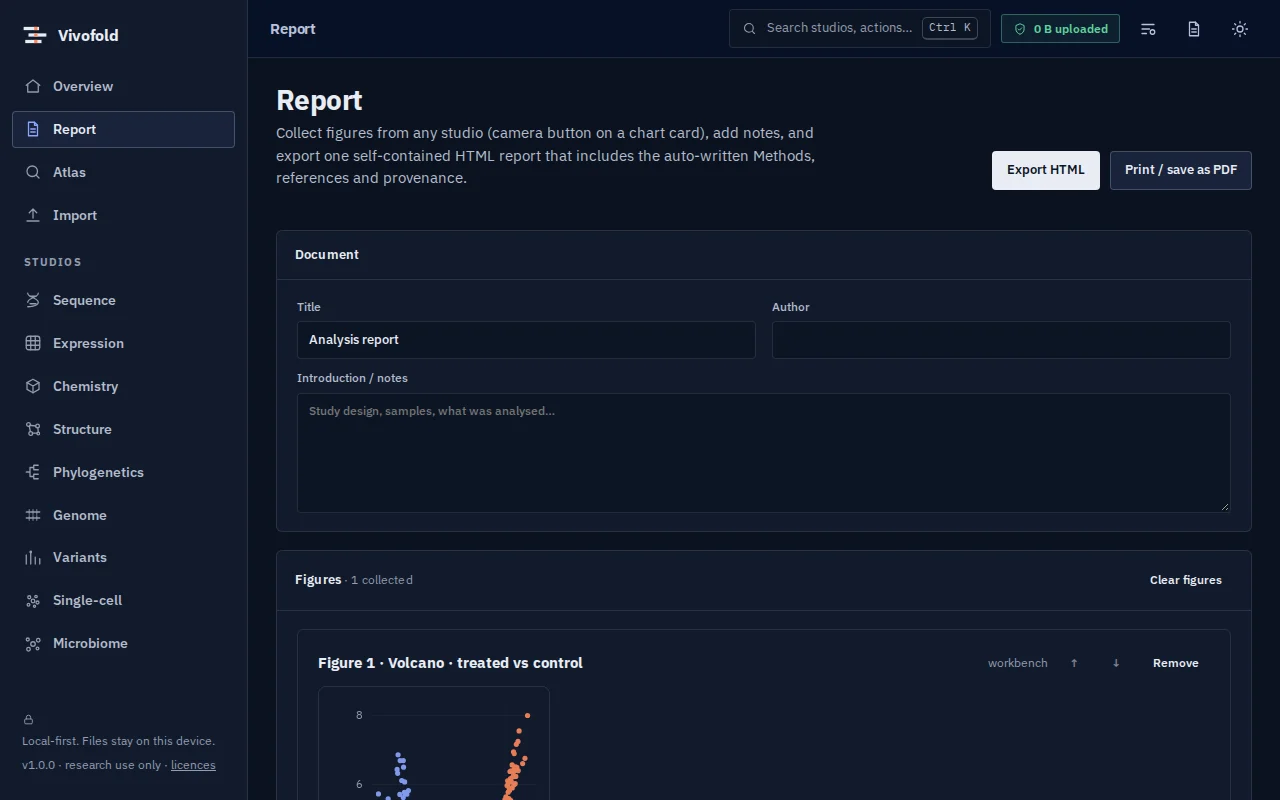
Collect figures from any studio, add notes and export a self-contained HTML or PDF report with auto-written methods and references.
Free · runs in your browser · nothing uploaded
Overview
What Report Builder does
Report Builder turns an analysis session into a document. Collect figures from any studio with one click, order and caption them, add notes, and export a self-contained HTML report or print it to PDF.
The methods section is written automatically from the recorded provenance of each analysis, with software versions, parameters and references.
Technical specifications
- Inputs
- Figures and analyses from the studios
- Outputs
- HTML report · PDF (via print)
- Engine
- Browser-side document generation
- Platforms
- Chrome, Edge, Firefox and Safari (current versions) · Windows, macOS, Linux and ChromeOS · No installation, no account, no upload
- Limits
- Reports include figures and methods from the current browser session.
- Licence
- Free during the public preview; institutional licences on request
Features
Capabilities
One-click figure capture
Camera buttons on every chart card.
Auto-written methods
Generated from each analysis’s recorded provenance, with citations.
Portable output
Self-contained HTML or PDF, with nothing hosted elsewhere.
Use cases
Who uses it, and for what
- Sharing results with a supervisor or collaborator
- Keeping a reproducible record of an exploratory analysis
- Preparing supplementary material
Documentation
Quick start
Open Report Builder
Use the button on this page or the Workbench menu. Nothing to install; works in current Chrome, Edge, Firefox and Safari.
Load data or the demo
Drop in your files (Figures and analyses from the studios) or load the labelled synthetic demo to explore safely.
Run and inspect
Results appear as interactive figures and tables; each analysis records its parameters and versions.
Export and cite
Export figures and tables, add them to a report, and copy the auto-written methods paragraph.
Learn the methods with Vedicgen
Courses that use Report Builder
Talk to us
Request a demo or ask a question
For classroom use, self-hosted deployments, custom studios or support. We reply within two working days.
Public preview: Free
Academic & teaching: Free for classrooms
Institutional & enterprise: On request