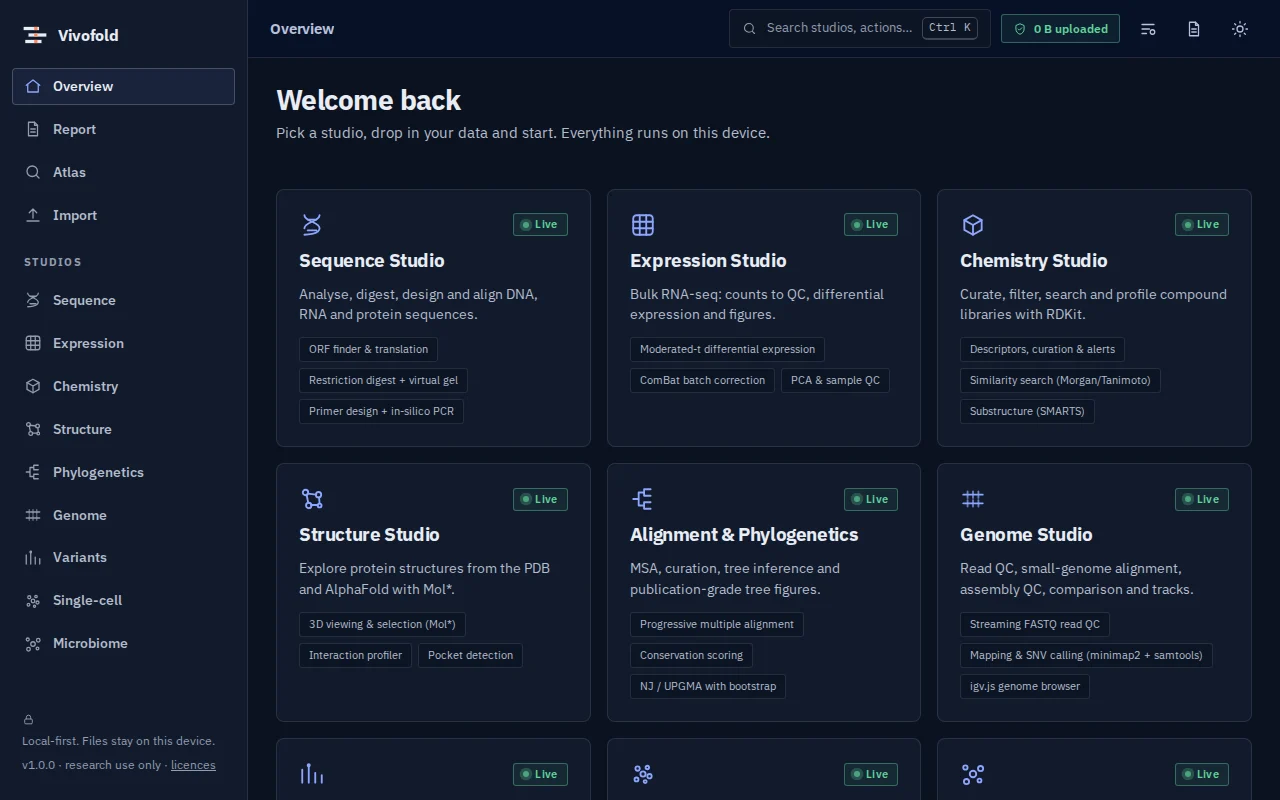
Knowledge & reporting
Nayancode Gene Atlas
What is publicly known about a gene, on one page.
Gene knowledge cards from openly licensed sources: function, structure, disease associations, cancer evidence and pathways.
Free · runs in your browser · nothing uploaded
Overview
What Gene Atlas does
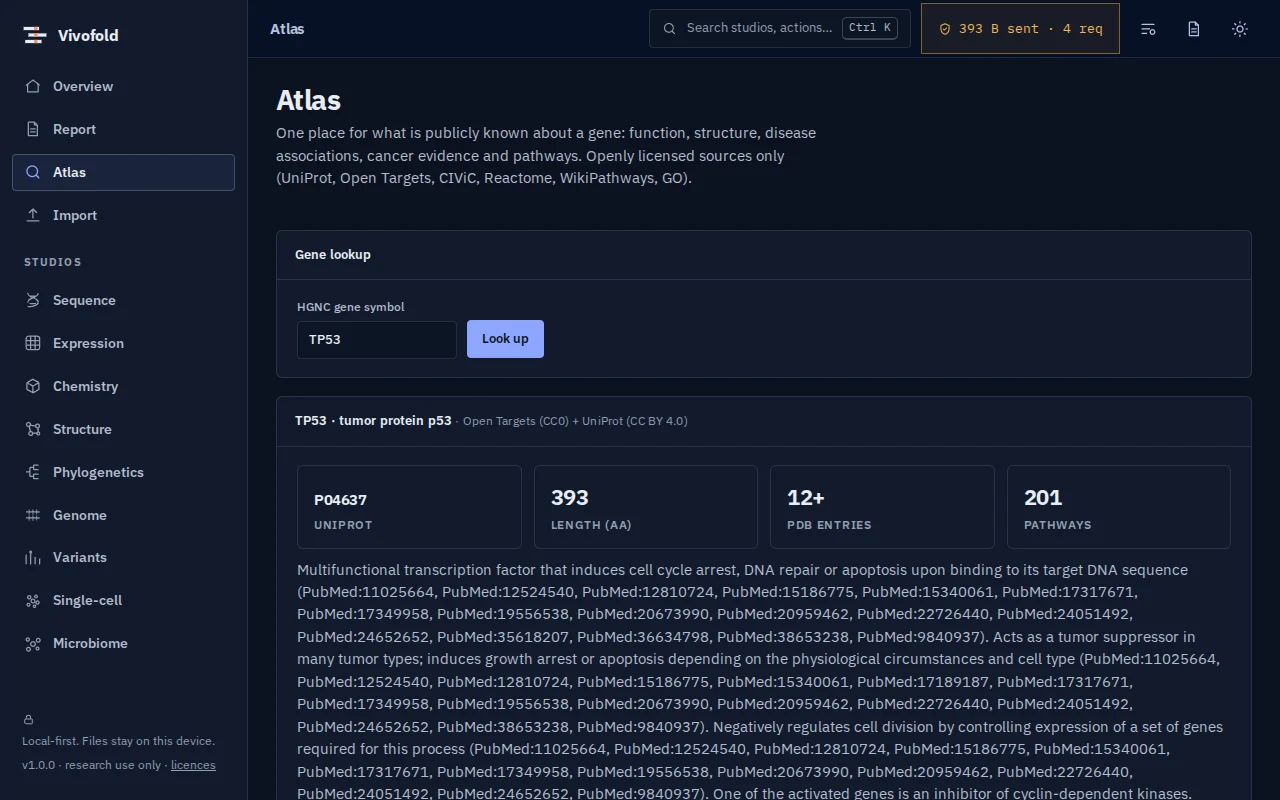
Gene Atlas gathers what is publicly known about a human gene from openly licensed sources (UniProt, Open Targets, CIViC, Reactome, WikiPathways and GO) into one card: function, structure, disease associations, clinical cancer evidence and pathways.
Pathway membership is bundled for offline use; live lookups go only to the public databases you query.
Technical specifications
- Inputs
- HGNC gene symbol
- Outputs
- Gene knowledge card · Disease and pathway tables
- Engine
- Public REST APIs (Open Targets, UniProt, CIViC) plus bundled pathway collections
- Platforms
- Chrome, Edge, Firefox and Safari (current versions) · Windows, macOS, Linux and ChromeOS · No installation, no account, no upload
- Limits
- Human genes; live lookups need an internet connection.
- Licence
- Free during the public preview; institutional licences on request
Features
Capabilities
One card per gene
Function, structure links, diseases, cancer evidence and pathways together.
Open sources only
Every field comes from openly licensed databases, credited on the card.
Links onward
Jump to the structure studio or the original records.
Use cases
Who uses it, and for what
- Getting up to speed on a gene quickly
- Checking a candidate gene from an analysis
- Teaching how biological databases connect
Documentation
Quick start
Open Gene Atlas
Use the button on this page or the Workbench menu. Nothing to install; works in current Chrome, Edge, Firefox and Safari.
Load data or the demo
Drop in your files (HGNC gene symbol) or load the labelled synthetic demo to explore safely.
Run and inspect
Results appear as interactive figures and tables; each analysis records its parameters and versions.
Export and cite
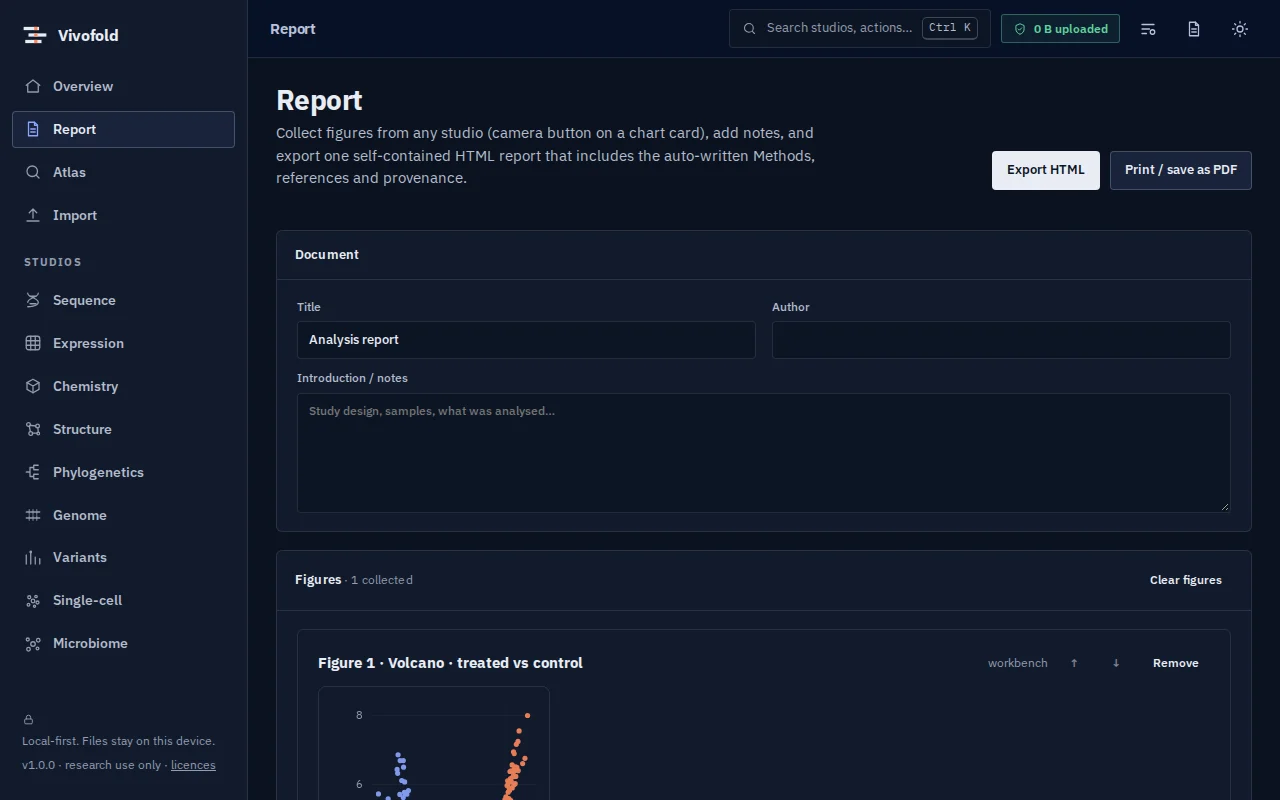
Export figures and tables, add them to a report, and copy the auto-written methods paragraph.
Learn the methods with Vedicgen
Courses that use Gene Atlas
Talk to us
Request a demo or ask a question
For classroom use, self-hosted deployments, custom studios or support. We reply within two working days.
Public preview: Free
Academic & teaching: Free for classrooms
Institutional & enterprise: On request