Genomics & transcriptomics
Nayancode Genome Studio
Real minimap2 and samtools, running in a browser tab.
Read QC, mapping and SNV calling with minimap2 and samtools compiled to WebAssembly, an embedded genome browser and assembly metrics.
Free · runs in your browser · nothing uploaded
Overview
What Genome Studio does
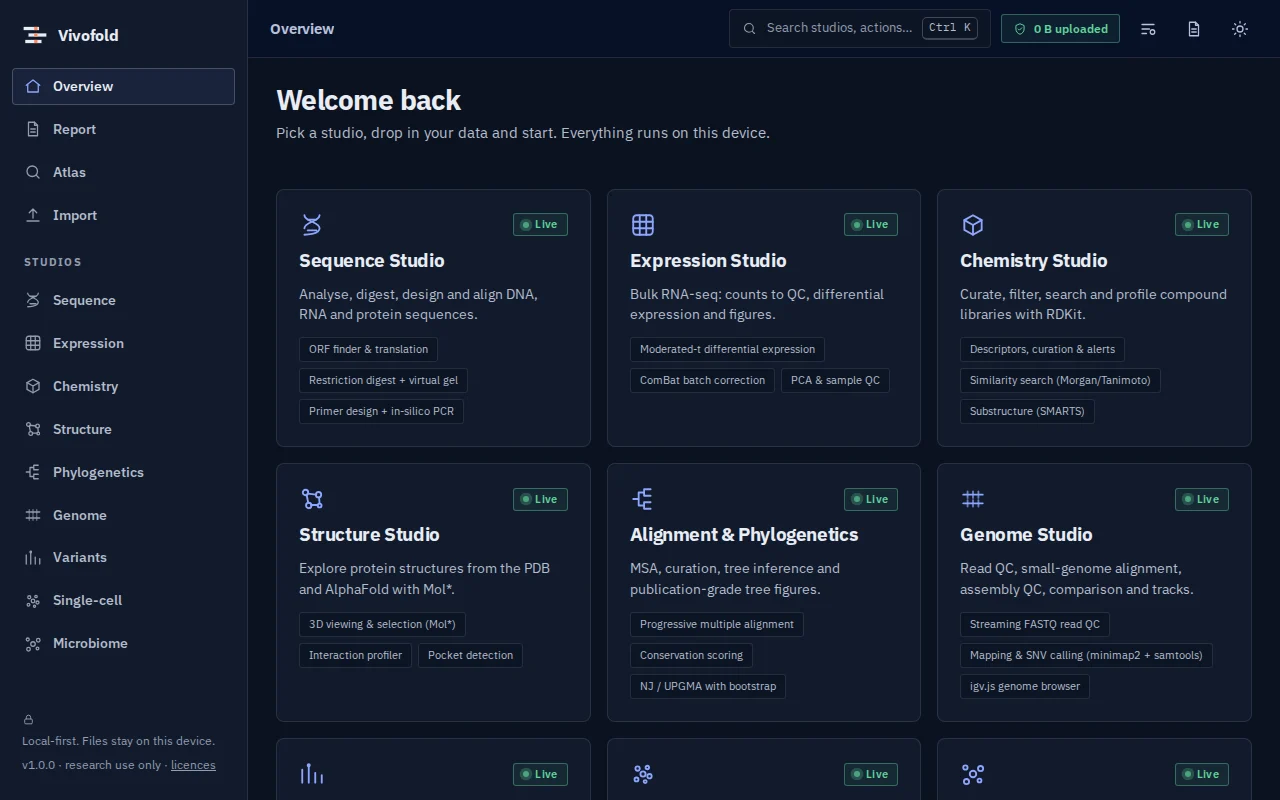
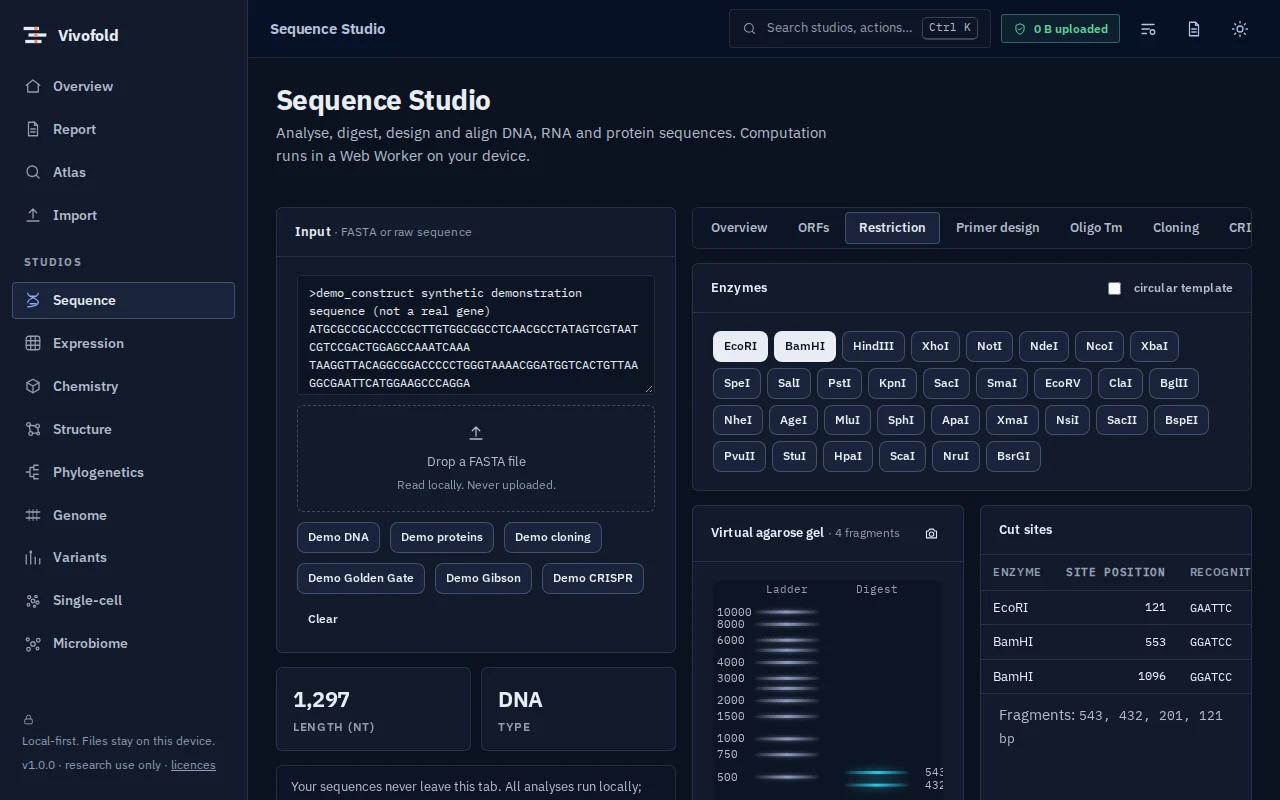
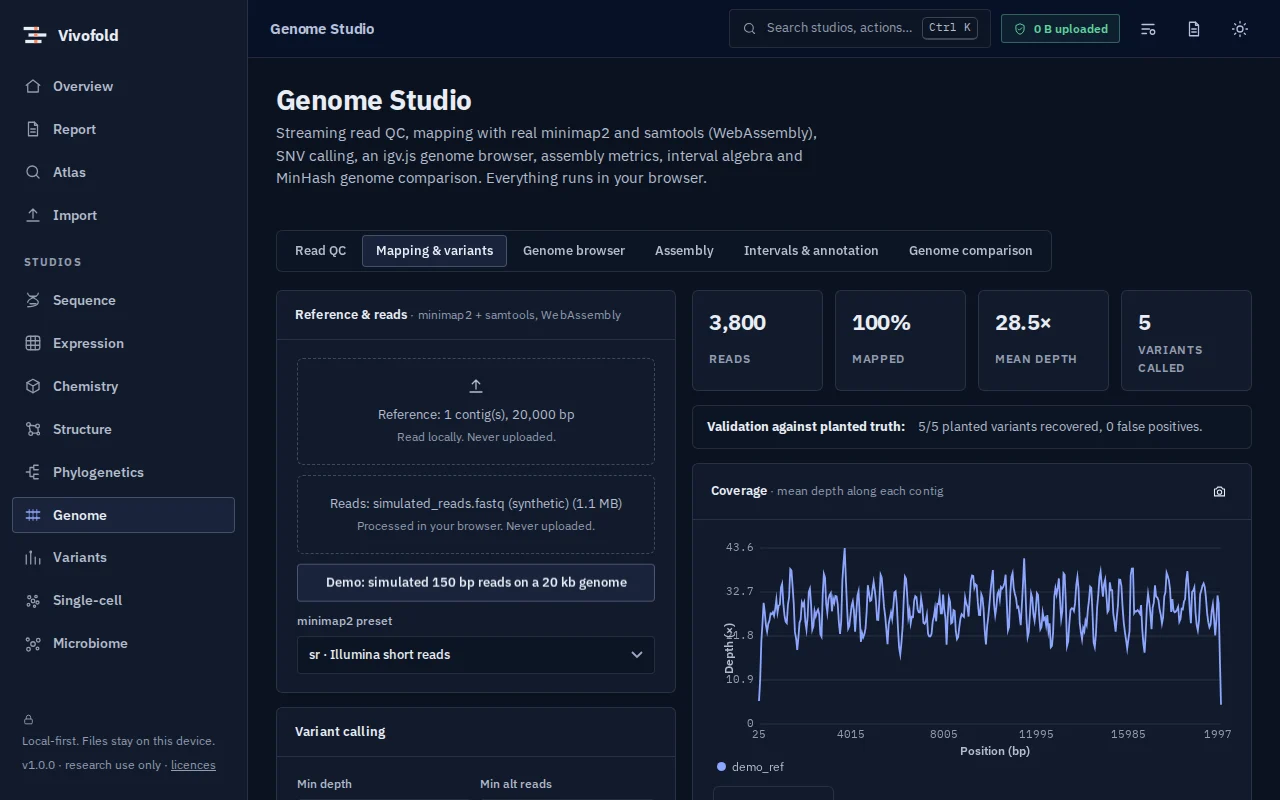
Genome Studio runs genuine bioinformatics tools (minimap2 and samtools, compiled to WebAssembly) inside your browser. Stream FASTQ files for quality control, map reads to a reference, produce sorted BAM files, compute coverage and call single-nucleotide variants, then explore the result in igv.js.
It also computes assembly statistics, BED interval algebra and MinHash similarity between genomes, making it a complete small-genome workspace for microbiology, teaching and quick checks.
Technical specifications
- Inputs
- FASTQ · FASTA · BED / GFF
- Outputs
- QC plots · Sorted BAM and coverage · VCF · Assembly statistics
- Engine
- WebAssembly (minimap2, samtools) + igv.js
- Platforms
- Chrome, Edge, Firefox and Safari (current versions) · Windows, macOS, Linux and ChromeOS · No installation, no account, no upload
- Limits
- Mapping up to about a 100 Mb reference and 300 MB of reads; SNVs and short indels, no structural variants
- Licence
- Free during the public preview; institutional licences on request
Features
Capabilities
Streaming read QC
Quality, length and composition profiles for large FASTQ files without loading them into memory.
Mapping and variants
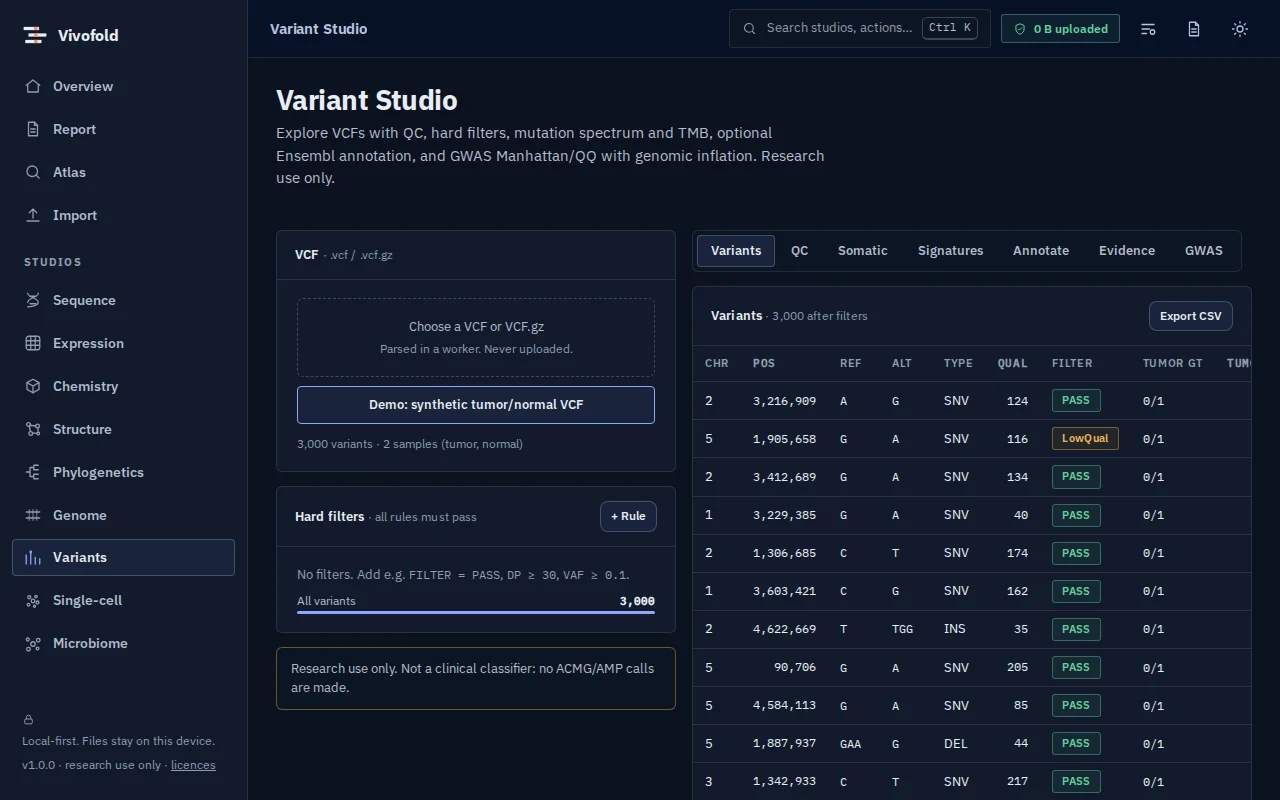
minimap2 + samtools in WebAssembly: sorted BAM, coverage and SNV calls exported as VCF.
Genome browser
igv.js tracks for references, alignments, variants and annotations.
Assembly metrics
N50, L50, GC and length distributions for draft assemblies.
Interval algebra
Intersect, merge and subtract BED intervals.
Genome similarity
MinHash ANI estimates between genomes.
Use cases
Who uses it, and for what
- Checking a bacterial isolate’s reads and variants
- Teaching NGS analysis in a classroom
- Quick QC before launching a cluster pipeline
Documentation
Quick start
Open Genome Studio
Use the button on this page or the Workbench menu. Nothing to install; works in current Chrome, Edge, Firefox and Safari.
Load data or the demo
Drop in your files (FASTQ, FASTA, BED / GFF) or load the labelled synthetic demo to explore safely.
Run and inspect
Results appear as interactive figures and tables; each analysis records its parameters and versions.
Export and cite
Export figures and tables, add them to a report, and copy the auto-written methods paragraph.
Learn the methods with Vedicgen
Courses that use Genome Studio
Talk to us
Request a demo or ask a question
For classroom use, self-hosted deployments, custom studios or support. We reply within two working days.
Public preview: Free
Academic & teaching: Free for classrooms
Institutional & enterprise: On request